



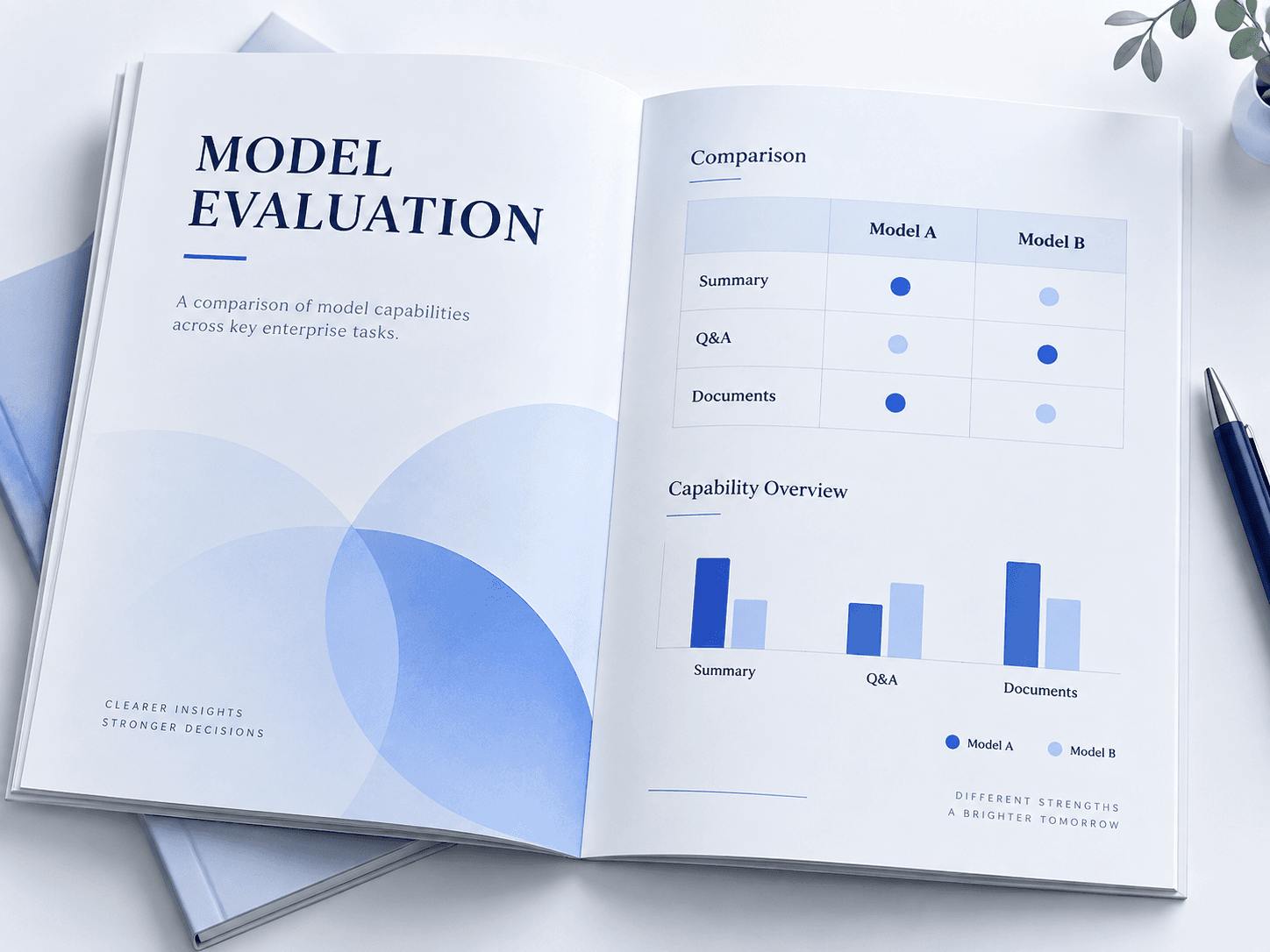
01MODEL SELECTION
Model evaluation
Evaluate candidate models with questions and files that represent the company’s work.
Compare answer quality, processing speed and equipment needs before selecting or adapting a model.
03 Firmground AI Infra
Select models for business tasks, available equipment and data requirements. Plan deployment and operation for internal AI use.
Select model and runtime
Review users, tasks, equipment and data requirements.
Compare results with representative files and questions.
Confirm where models run, who uses them and which applications connect.
Review service status, address issues and plan updates.
General demonstrations may not reflect actual business tasks.
Some files require a designated processing environment and access scope.
Usage and version changes require service performance to be checked again.
01MODEL SELECTION
Evaluate candidate models with questions and files that represent the company’s work.
Compare answer quality, processing speed and equipment needs before selecting or adapting a model.
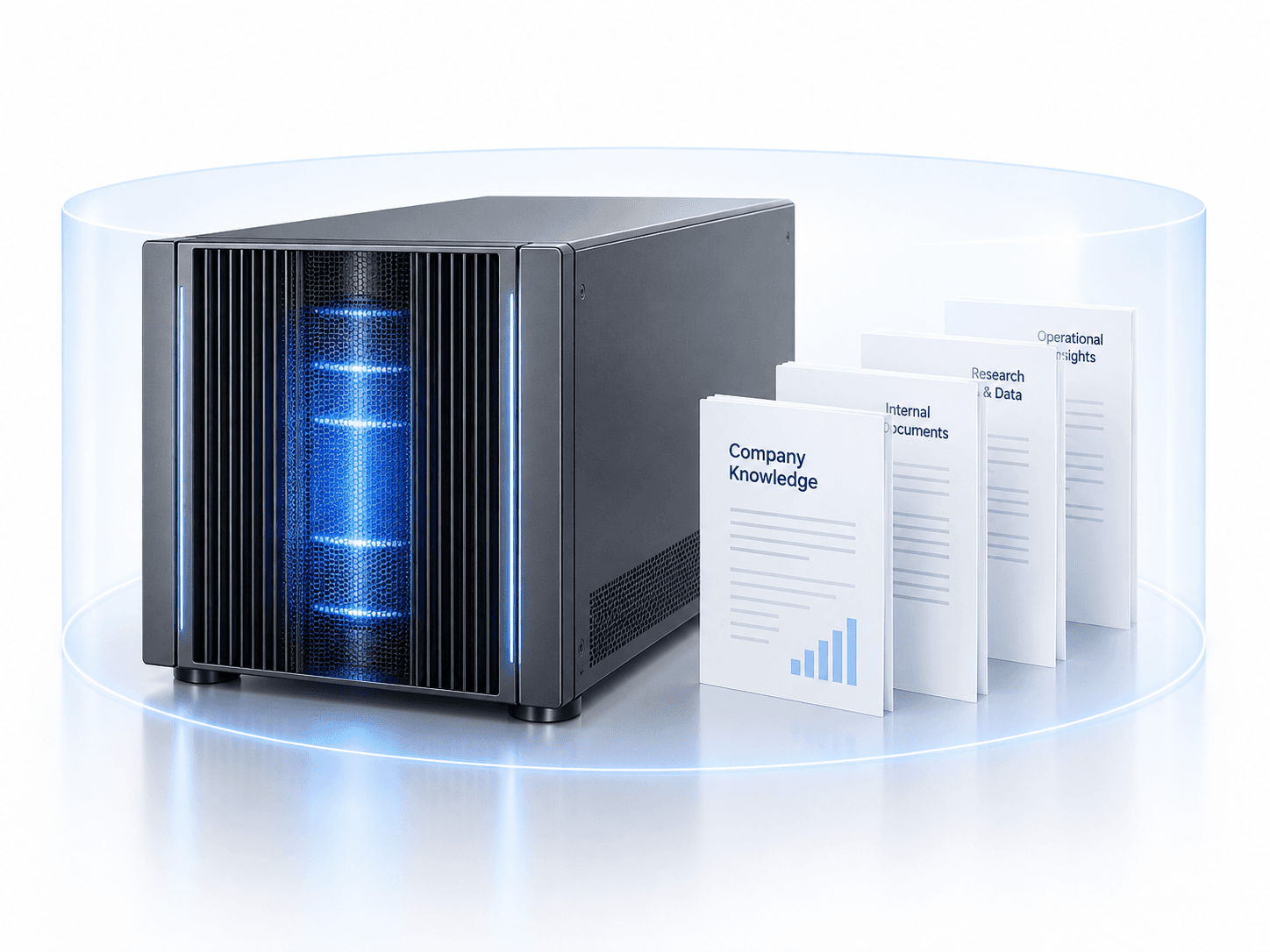
02DEPLOYMENT
Plan model and supporting services around data-location and access requirements.
Define accounts, document access and application connections, then validate usage.
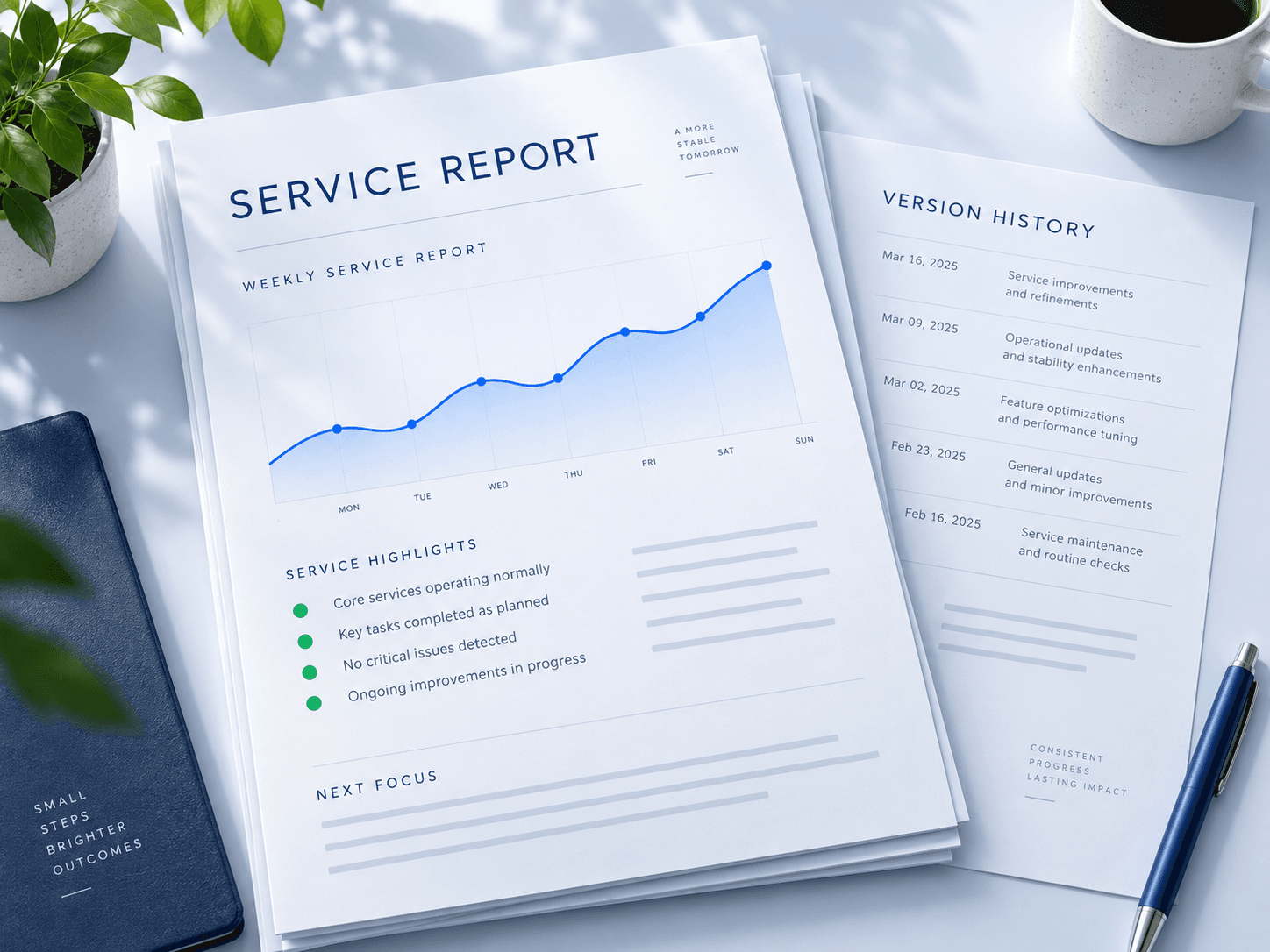
03OPERATIONS
Review service usage and request handling to determine whether resources need adjustment.
Check updates against the same work samples and record versions and maintenance arrangements.
Firmground AI
Choose a task your team already knows, and see how Firmground AI handles it and what it delivers.
Existing users can sign in. Book a demo to discuss enterprise integrations and deployment.